
How to Design a Restaurant Placemat (Without a Designer)
Step-by-step tips for designing a custom restaurant placemat: layout, fonts, colors, photos, bleed and print-ready files.
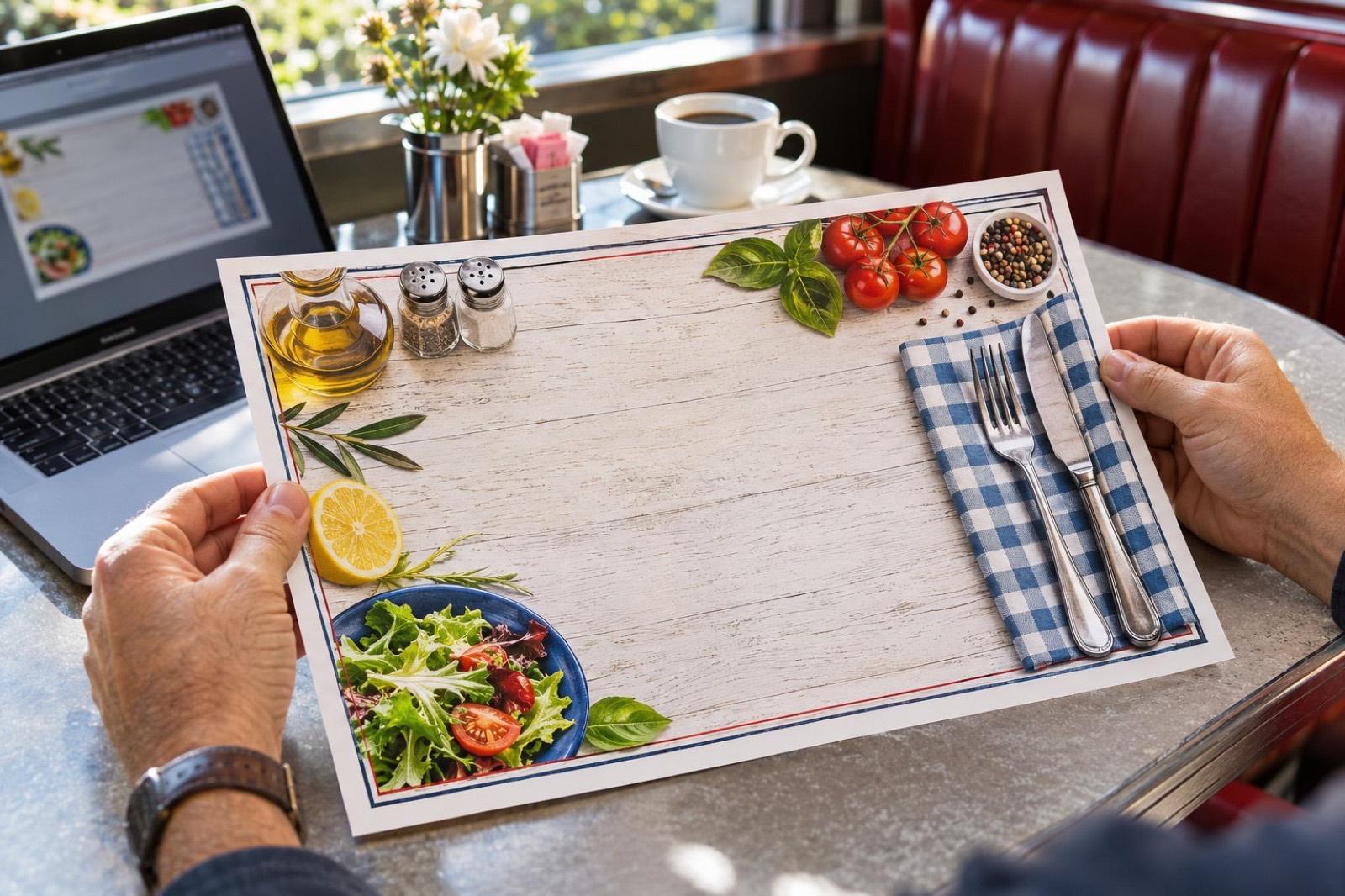
You don’t need to be a designer to make a great placemat. Follow these rules and use our free design tool.
1. Pick one main goal
Sell specials? Entertain kids? Sell ads? A placemat that tries to do everything does nothing well.
2. Use a clear layout
A strong header with your logo, 2–3 content columns, and a footer with address, phone and website. Leave breathing room.
3. Two fonts, max
One bold display font for headings, one clean font for text. Keep menu text at least 9 pt.
4. Great photos only
One appetizing photo beats six small blurry ones. Use 300 DPI images.
5. Set up for print
Add 1/8" bleed, keep text 1/4" inside the trim, and export a PDF. Our design tool does all of this automatically.
6. Proofread twice
Prices, phone number, address, hours. We send a proof, but you approve it, so check carefully.
Ready to print your placemats?
Start with a template, upload your own file, or let our designers handle it.